Portal users can move through configured related-object paths from a record while remaining within the permitted portal context.
Navigate related records
- Open an authorized record in the customer portal.
- Open the related-record or association area.
- Choose a configured related object.
- Select an authorized related record.
- Continue into a deeper related-object level when the configured association path supports it.
- Use the available back or parent navigation to return to the earlier record context.
What determines access
- The canonical Association Builder graph defines the available paths.
- Display labels determine how relationships are presented.
- Access labels and linked contact or account context help determine which records are reachable.
- Object and resource permissions still apply at every level.
Troubleshooting
- If a related object is absent, verify the association graph and display label.
- If an expected record is missing, verify the HubSpot association and access label.
- If a nested path stops early, confirm that the next graph edge is configured and that the role can read the target object.
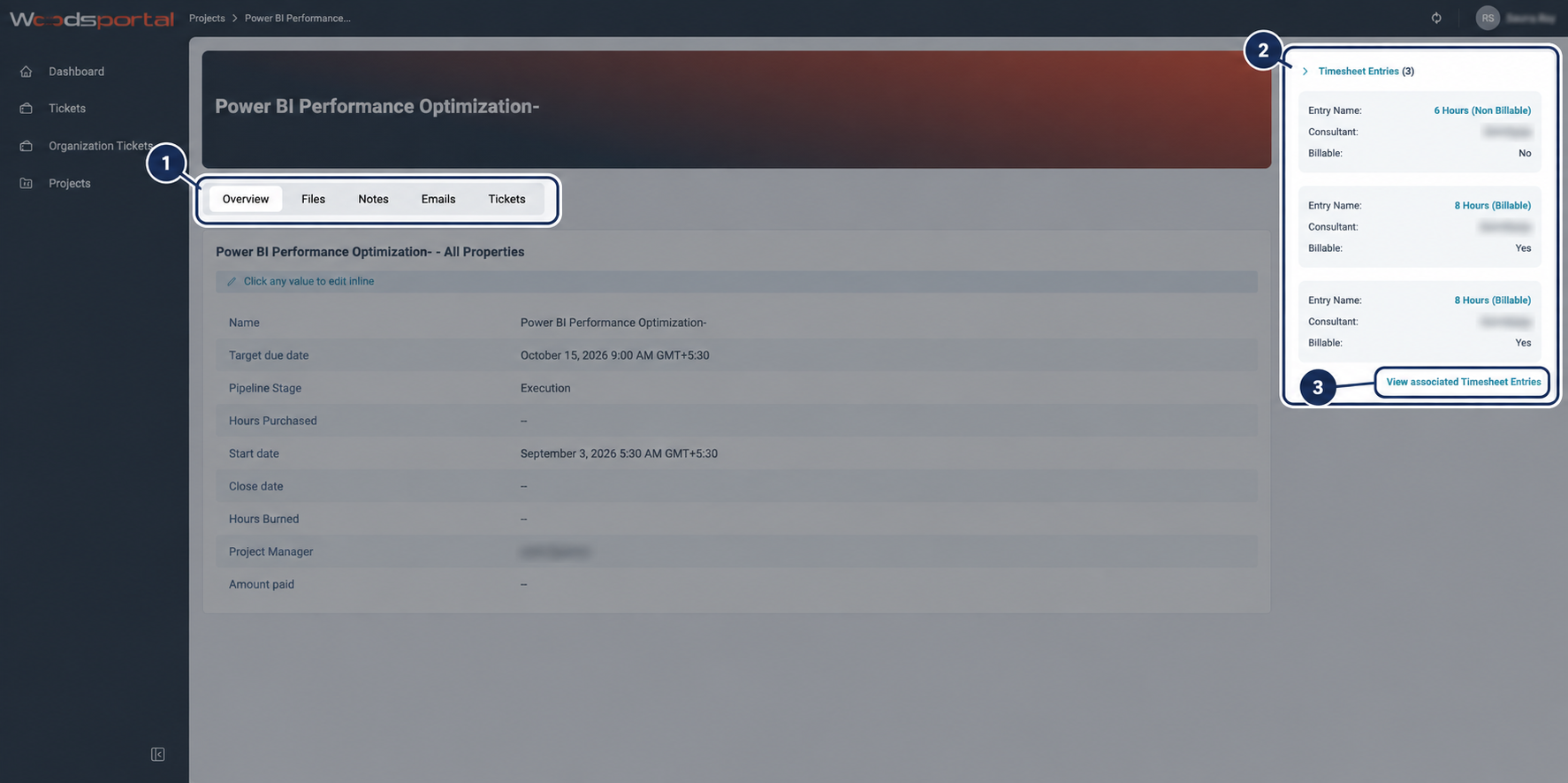
Figure: A customer-facing project record with related records available from the same page.