Administrators can work with available themes and review integrations shown in their WoodsPortal account. Available options depend on the connected account and configuration.
Work with themes
- Sign in to https://app.woodsportal.com and select the correct portal.
- Open Themes.
- Browse the available theme assets.
- Open a theme to inspect the information shown by the current interface.
- Install the selected theme or upload supported templates when that action is available.
- Confirm the installed state and test the customer portal presentation.
Customization options
- Theme and presentation capabilities do not imply unrestricted white-label control over every interface element.
- Available customization controls vary by configuration and may require implementation support.
- Use the controls shown in your account; contact your administrator or implementation team for additional options.
Review available integrations
- Open the current Integration Manager in the administrator app.
- Review only the integrations shown for the selected account.
- Open an integration detail page to inspect its current configuration and status.
- Before configuring an integration, check its availability, setup requirements, and current account access.
Availability
- The integration list in your account determines which options are available to review.
- Settings and billing capabilities that are not shown in your account should not be assumed available.
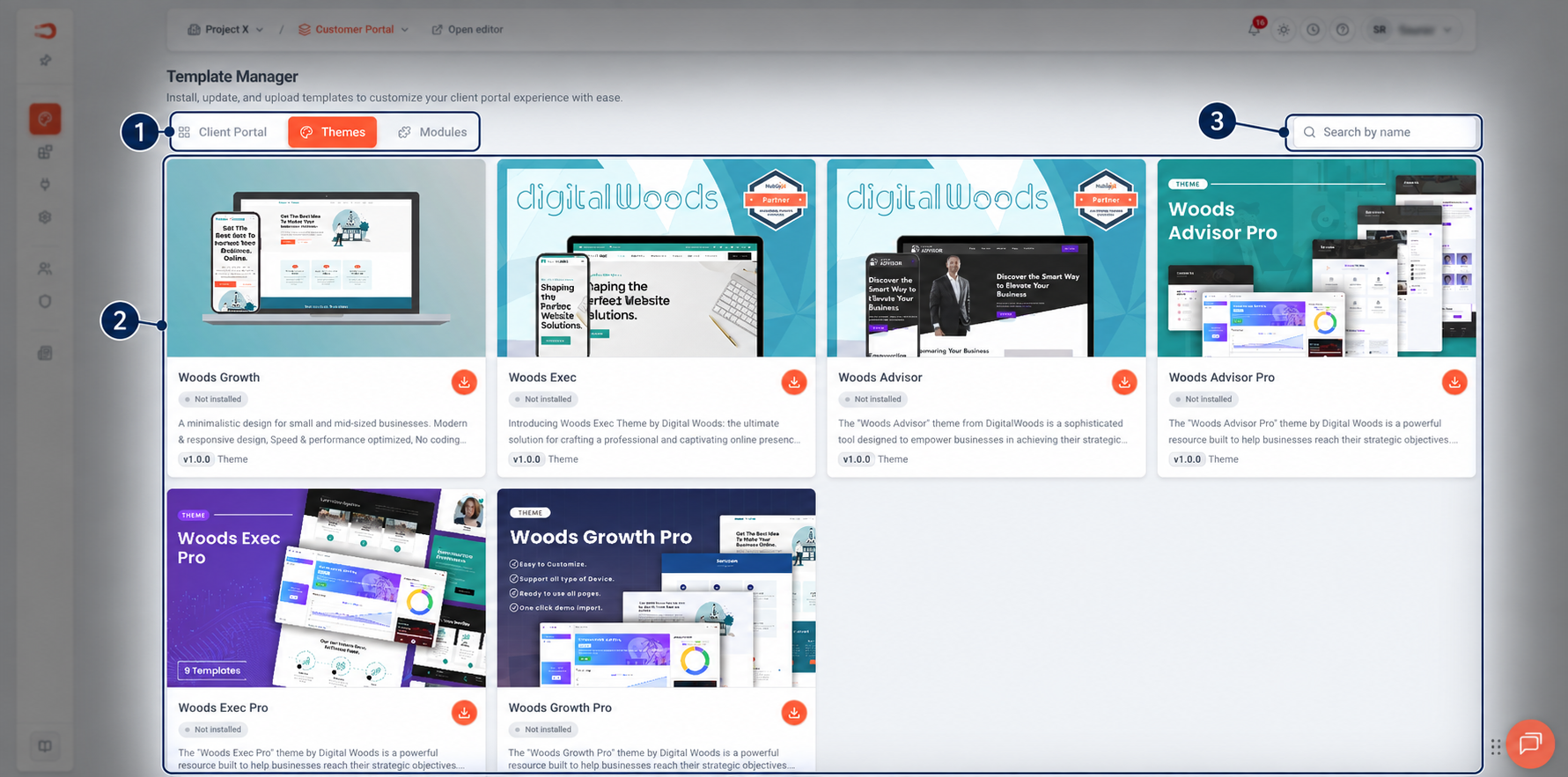
Figure: Browse and install available portal themes from the Template Manager.